Commissioning
To do this, follow these steps:
- Open the metering node card.
- Go to the Equipment tab.
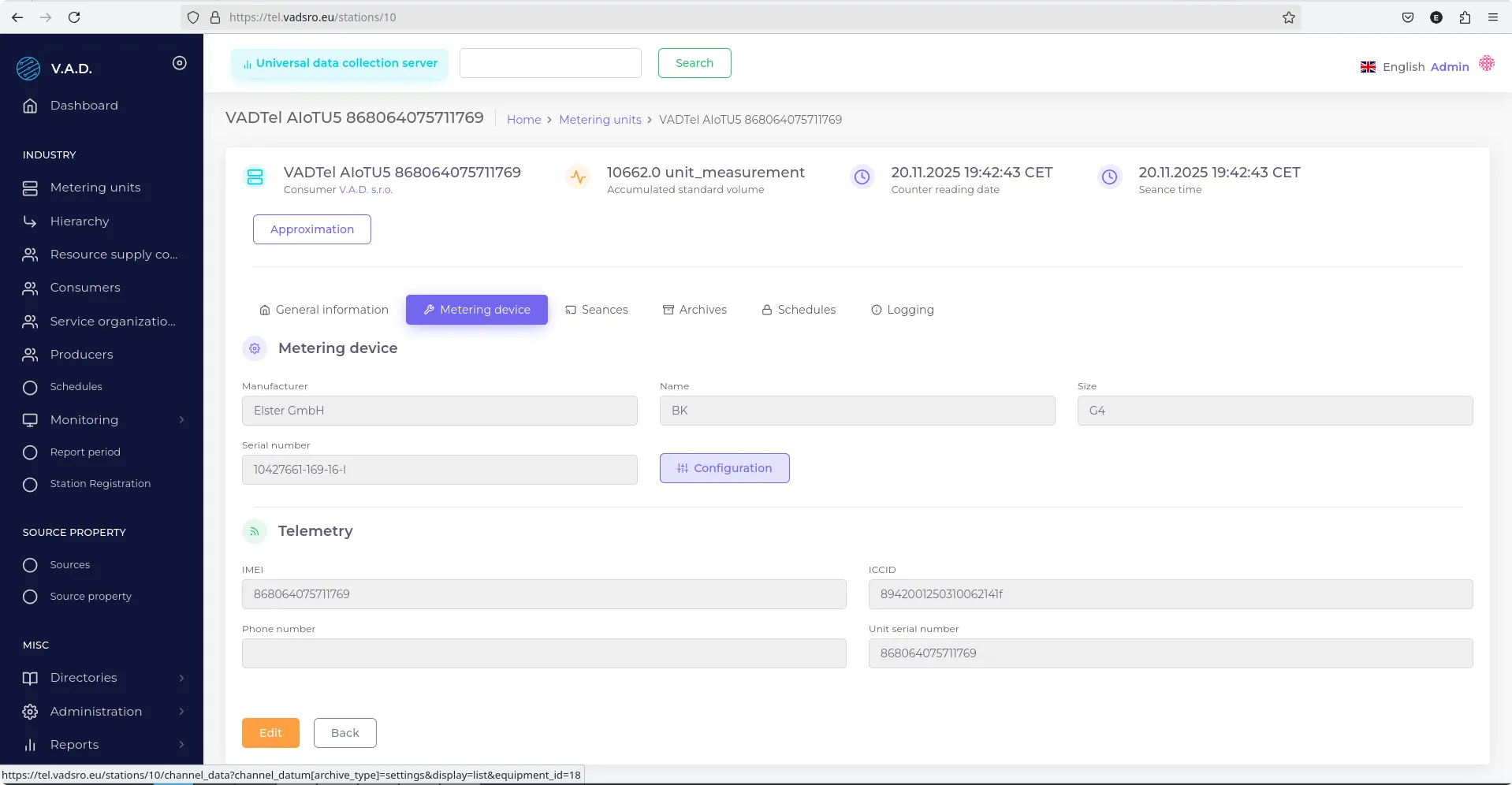
- Click the Configuration button.
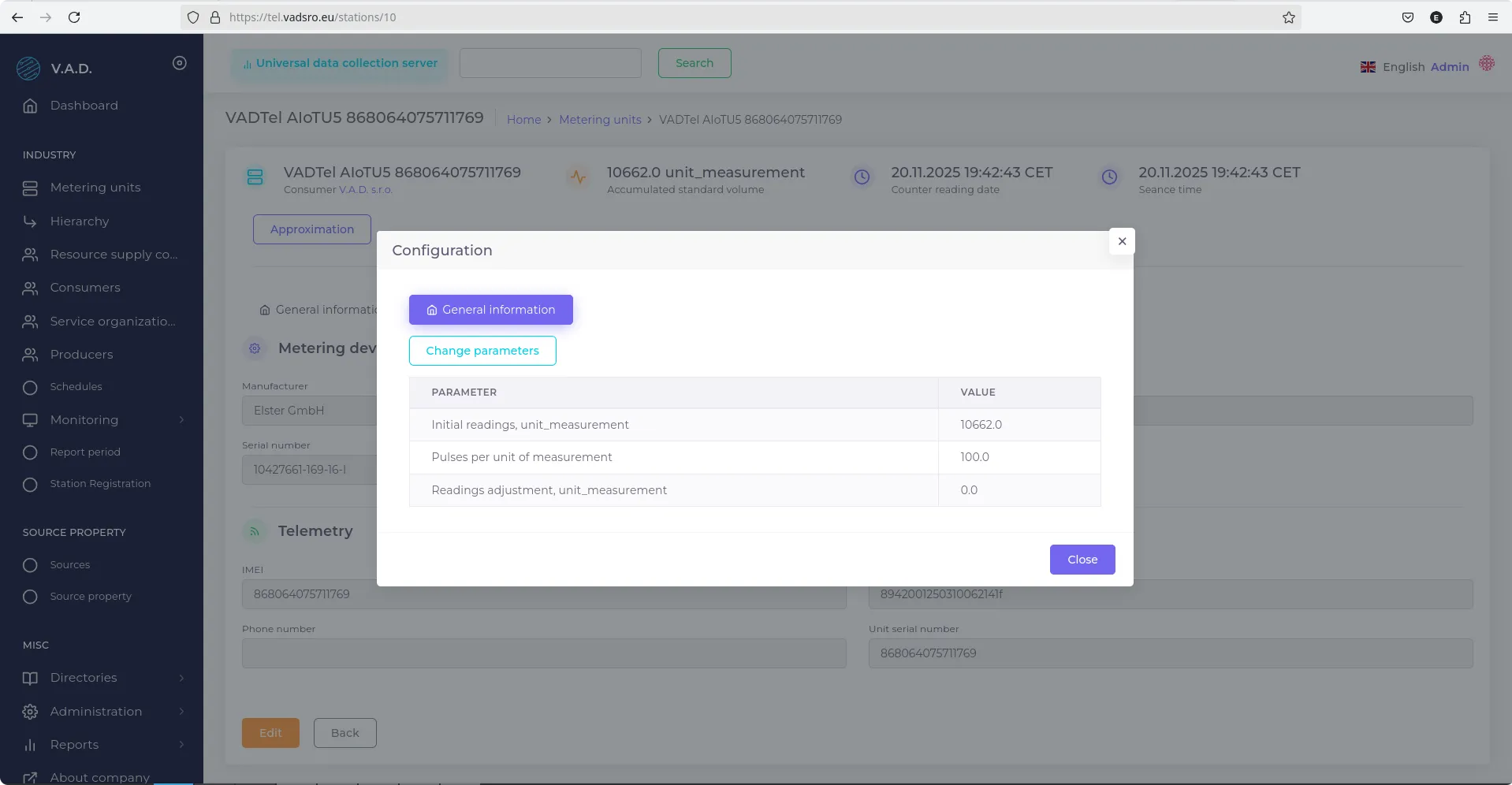
- In the pop-up window, click Change Parameters.
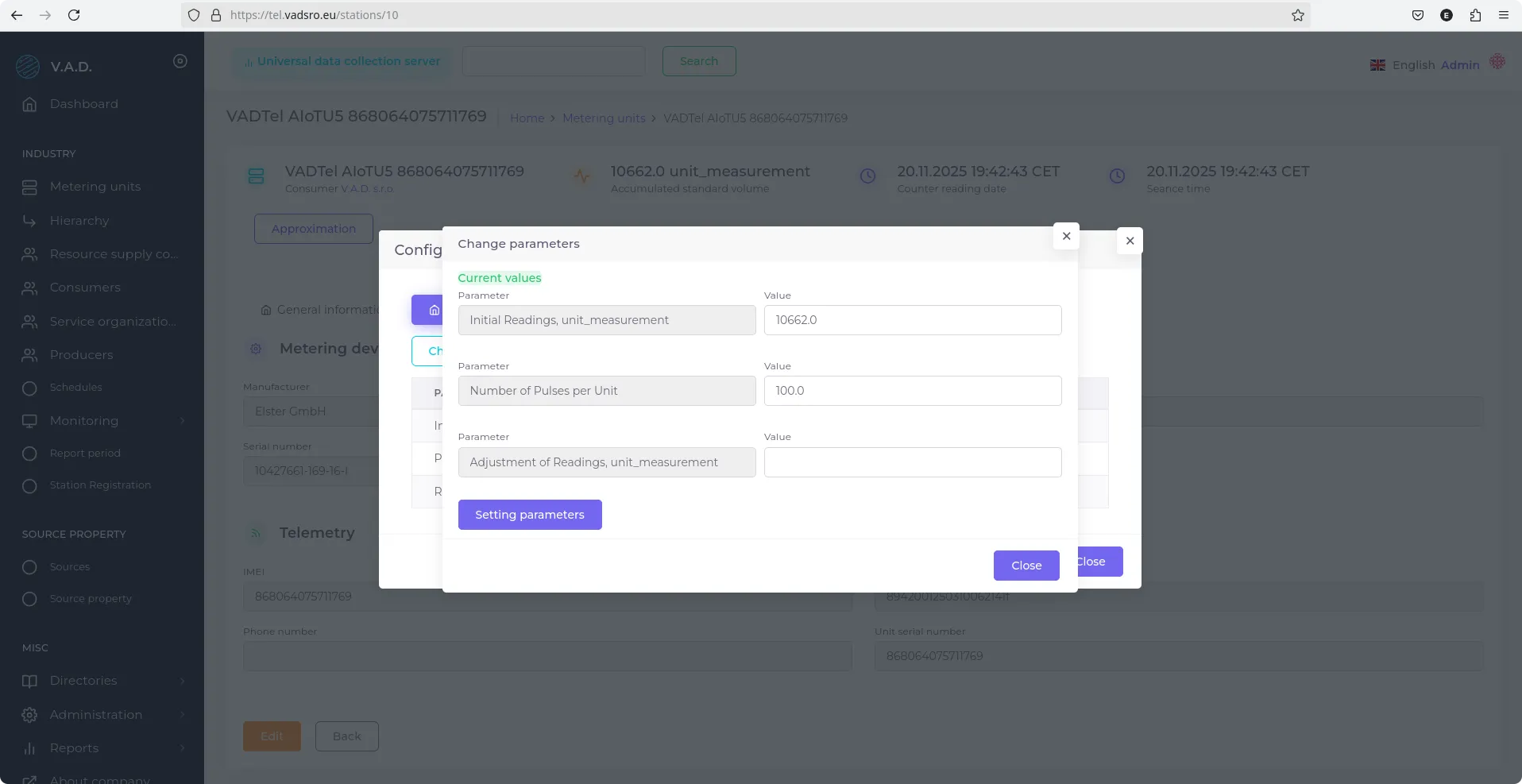
- Fill in the following fields:
- Initial Reading, unit measurement — enter the current meter reading;
- Number of Pulses per unit — select the value according to the meter model.
The Number of Pulses per Unit value depends on the resolution of the mechanical register and is specified in the table below:
| Pulses per Unit | Decimal Places on Mechanical Register | Pulse Weight |
|---|---|---|
| 100 | 3 | 0.01 m³ |
| 10 | 2 | 0.1 m³ |
| 1 | 1 | 1 m³ |
Last updated on
Was this page helpful?
Thanks for your feedback!