Dashboard and navigation
A tour of the Data Platform dashboard and the main navigation menu — summary cards, station statuses, and where each section lives.
The dashboard
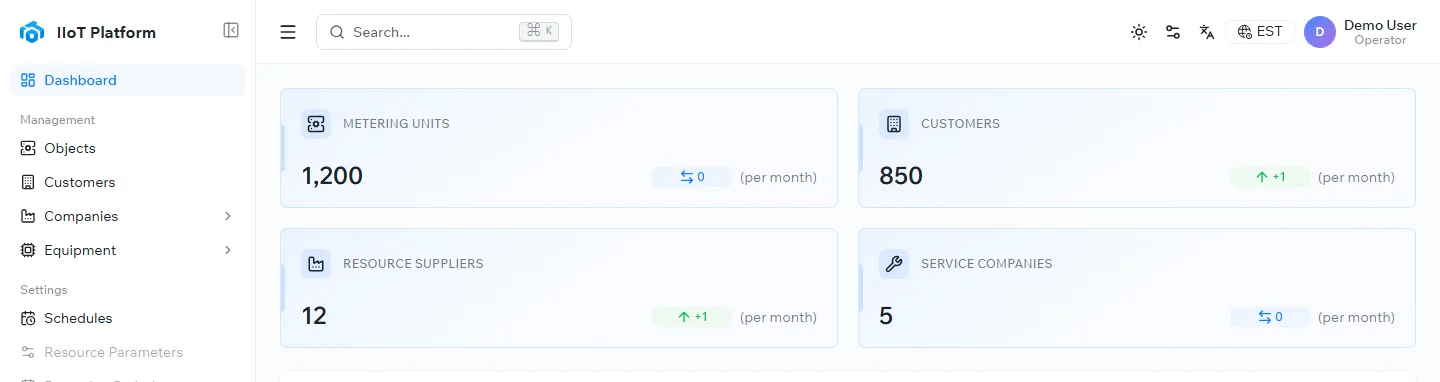
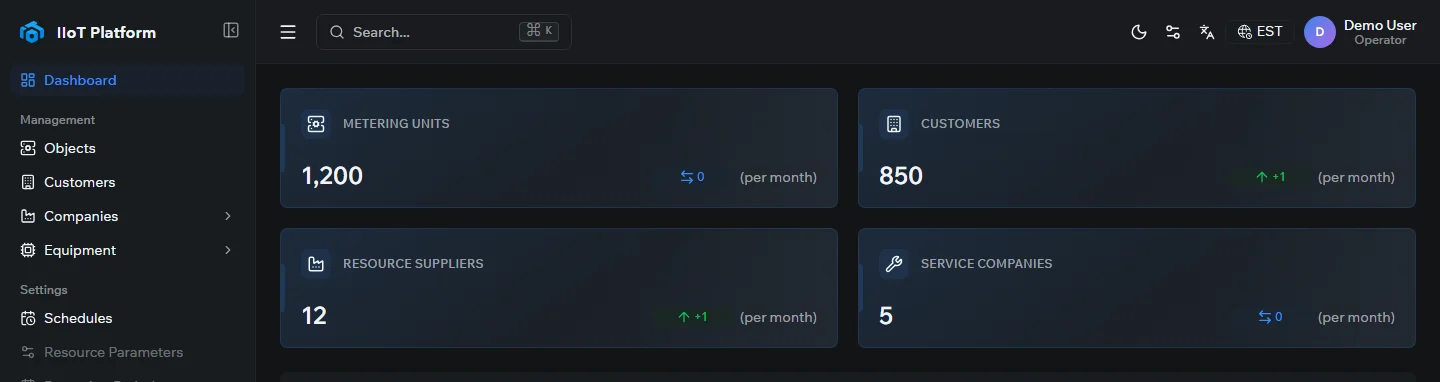
The dashboard is the first page you see after signing in. It gives you an at-a-glance summary of the system:
- Summary cards — totals for metering units, customers, resource suppliers, and service companies, each with its month-over-month change.
- Station statuses — how many stations are working versus newly added, so you can spot units that need attention.
- Communication sessions statistics — a chart of communication activity over time between the telemetry units and the server.
- Equipment types — a breakdown of how many devices of each model are connected.
Navigating the interface
The left-hand menu is the main way to move around the platform. It is grouped into the sections below.
Management
- Objects — the register of metering objects (metering units), and the core working area. It is a searchable, filterable list of every object, showing its device model, serial number, latest readings, last communication session, and connection status. The same data is also available on the Metering Units Map.
- Customers — the directory of consumers whose resources are metered.
- Companies — resource-supply and service organizations.
- Equipment — the equipment and device models registered in the system.
Settings
- Schedules — communication-session schedules that determine when units exchange data with the server.
- Resource Parameters and Reporting Periods — configuration for resource properties and the periods used to build reports.
Other
- Monitoring — tools for tracking the health and connectivity of metering units.
- Reports — operational and analytical reports, with export.
- References — reference data and directories used across the platform.
Administration
- Users — user accounts and access levels (administrators only).
- Event Log — an audit trail of key actions and changes in the system.
Related topics
Last updated on
Was this page helpful?
Thanks for your feedback!