Users
Managing user accounts in the Data Platform — the user list, roles, company scoping, and creating new users.
The Users page lists everyone with access to the Data Platform. From here an administrator creates accounts, assigns roles, and scopes each account to the companies it may work with. Open it from Administration → Users in the left menu.
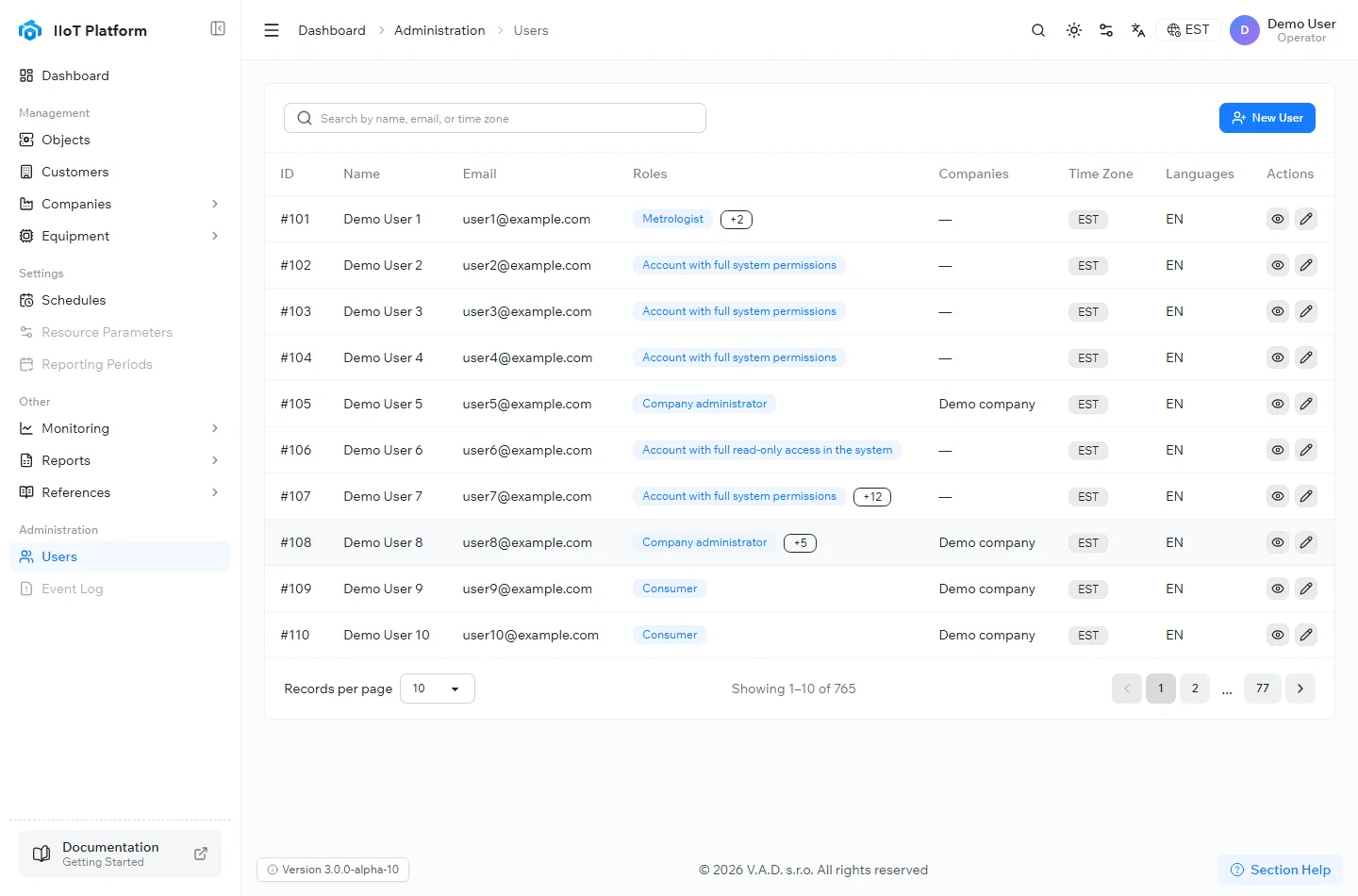
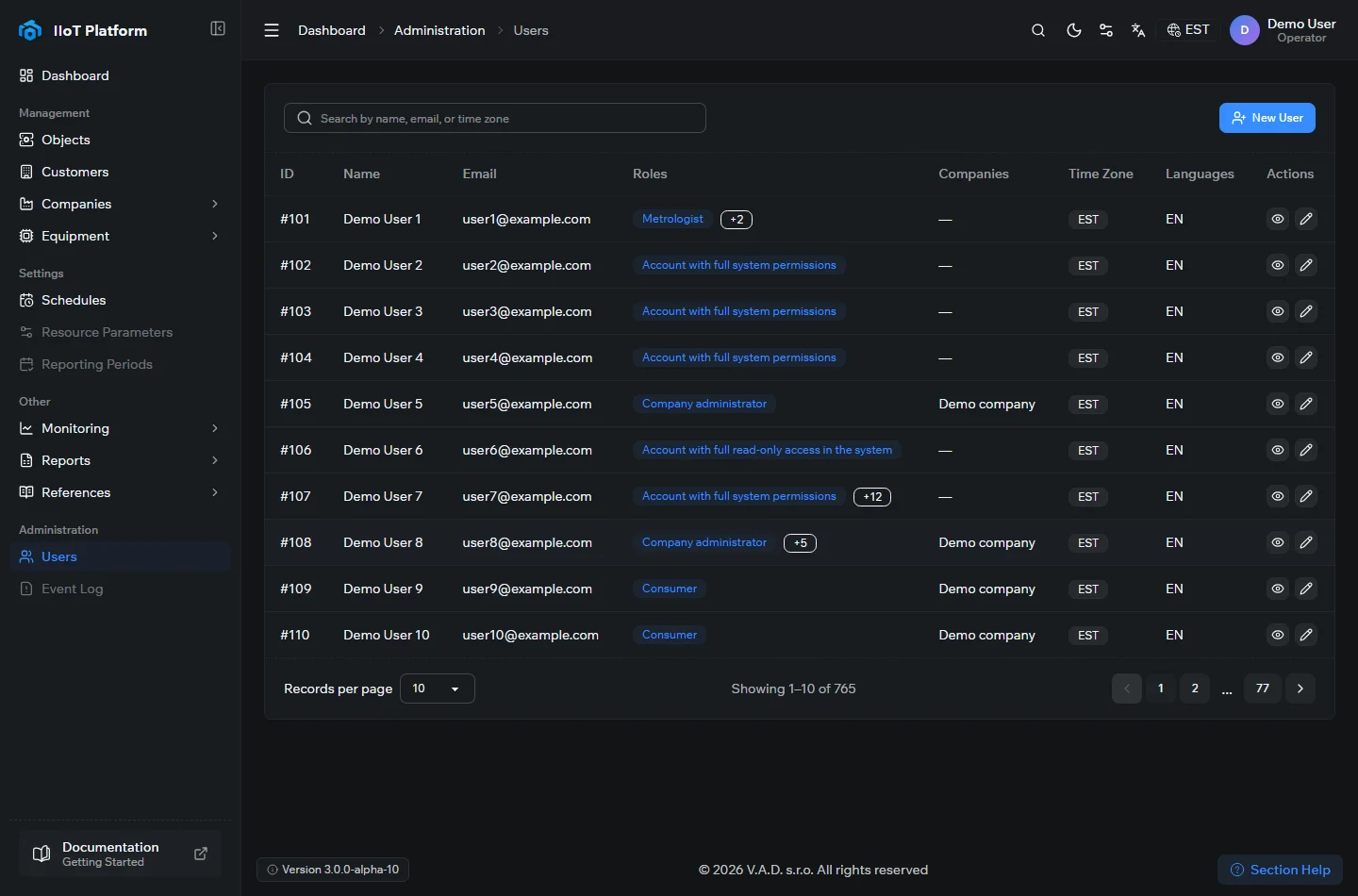
The user list
Each row is one account. The columns are:
- ID — the account’s internal identifier.
- Name and Email — the user’s display name and sign-in address.
- Roles — the permissions assigned to the account. A user can hold more than one role; extra roles beyond the first are shown as a +N badge.
- Companies — the companies the account is scoped to. A dash (—) means the account isn’t tied to a specific company.
- Time Zone and Languages — the user’s preferred time zone and interface language, applied when they sign in.
- Actions — view the account or edit it.
Use the search box at the top to filter by name, email, or time zone, and the Records per page and pager controls at the bottom to move through the list.
Roles
A user’s role determines what they can see and do. Typical roles include:
- Account with full system permissions — unrestricted access to every part of the platform.
- Account with full read-only access — can view everything but change nothing.
- Company administrator — manages the users and equipment of the companies the account is scoped to.
- Metrologist — works with metering data, archives, and reports.
- Consumer — sees only the objects and readings that belong to them.
Adding a user
Select + New User to create an account. Enter the name and email, set a role (and a company, for company-scoped roles), choose the time zone and language, and save. The new account then appears in the list and can sign in with the credentials you set.
Related topics
Was this page helpful?
Thanks for your feedback!